
A mistyped tax ID won't get through
Polish NIP, REGON and PESEL numbers are checked against their check digits on save. A single wrong digit shows up at once, not when someone spots it on a document.
HQSFlow is an ERP system by HQS Systems. Customer and item records hold everything sales, purchasing and accounting need — trade terms, bank accounts, addresses with history, barcodes, translations, attachments — and the system makes sure that what goes into the database is correct. Several companies work in one database, every operator sees what their permissions allow, and the change history tells you who changed what.
Not a feature list — situations anyone who has kept company records will recognise, and which HQSFlow stops before they do damage.
Polish NIP, REGON and PESEL numbers are checked against their check digits on save. A single wrong digit shows up at once, not when someone spots it on a document.
Changing an address creates a new version; the previous one stays in the history with its validity dates. You can tell where a company was registered last year.
A record that is already used somewhere cannot be deleted — it goes to the archive and comes back with one click.
When two people edit the same record, the second one won't silently wipe out the first one's changes — the system asks for a refresh. Unsaved edits aren't lost by leaving the page by mistake.
Each area has its own page with details and screenshots from the working system.
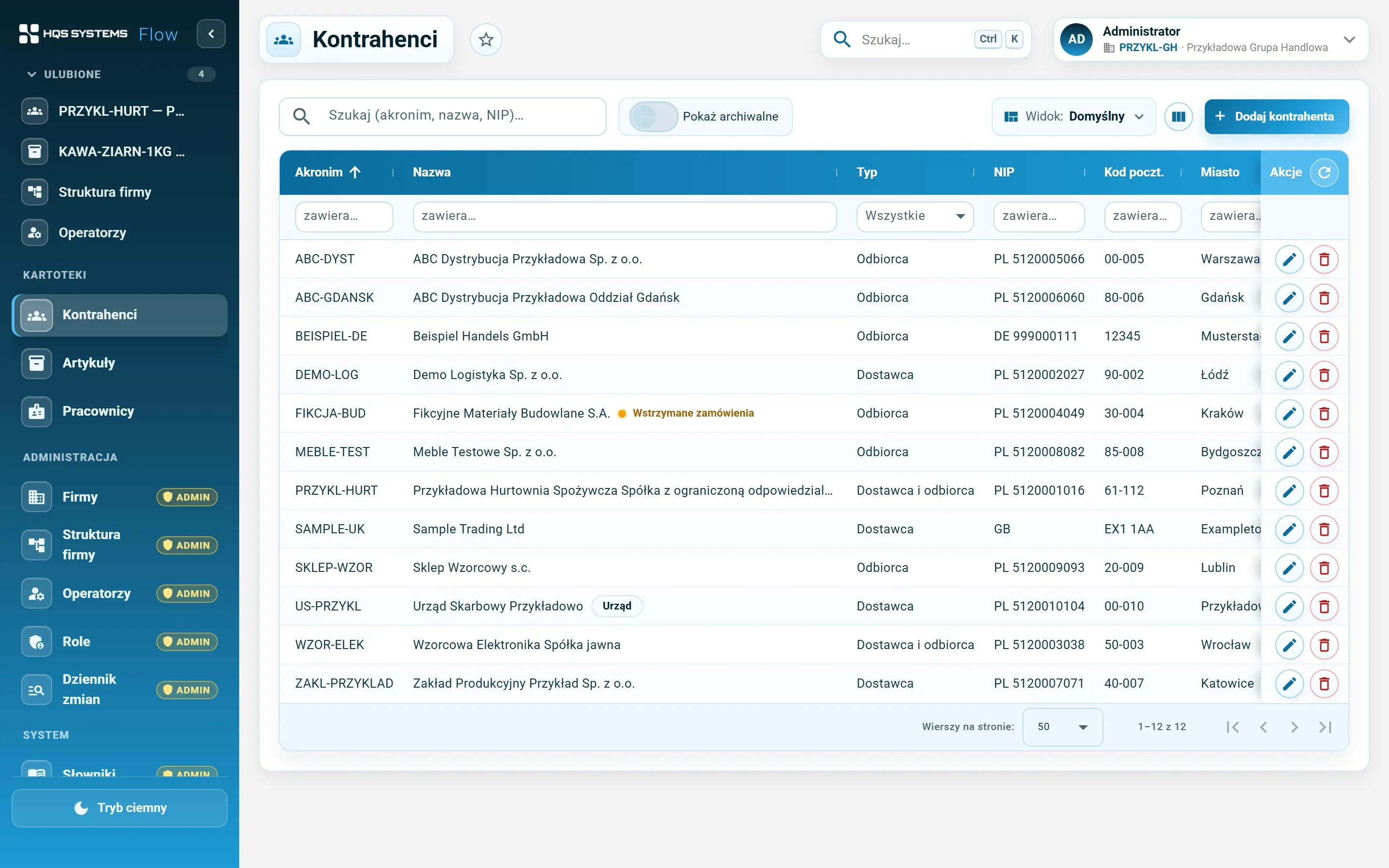
A customer record with eleven tabs — everything about a company in one place, from tax ID to marketing consents.
An item record with ten tabs — from VAT rates and CN code to barcodes, suppliers and translations.
Several companies in one database, an organisational structure for each, and permissions where you can always tell where a right comes from.
Shared mechanisms that behave the same in every register — Ctrl+K search, change history, favourites, saved list views, attributes and attachments.
A system that won't save incorrect data, controls who can do what, doesn't lose history and doesn't overwrite other people's work.
A web application on current Microsoft and Google technology, with a SQL Server database that's easy to report on.
Screenshots from the running application, on fictional demo data.
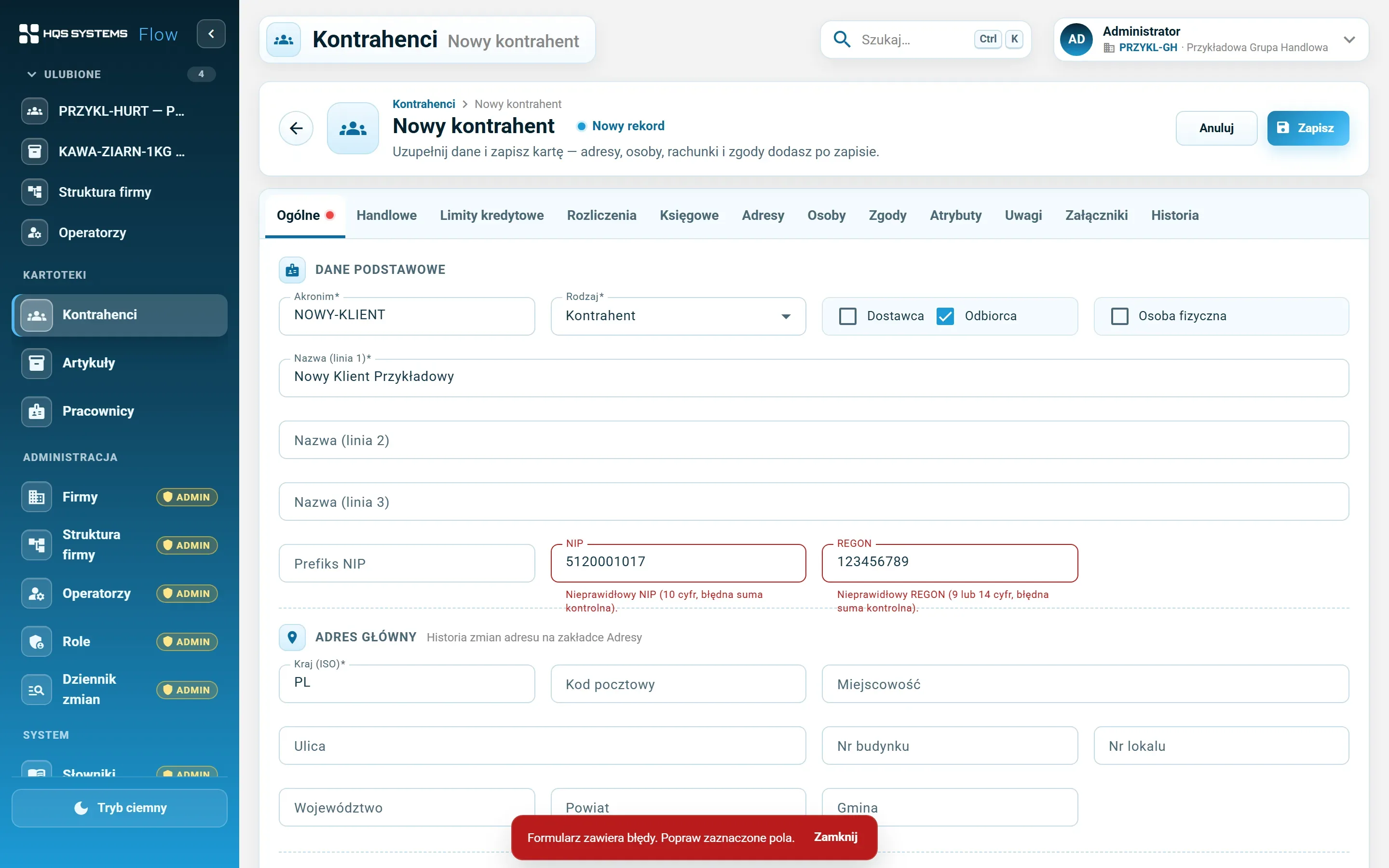
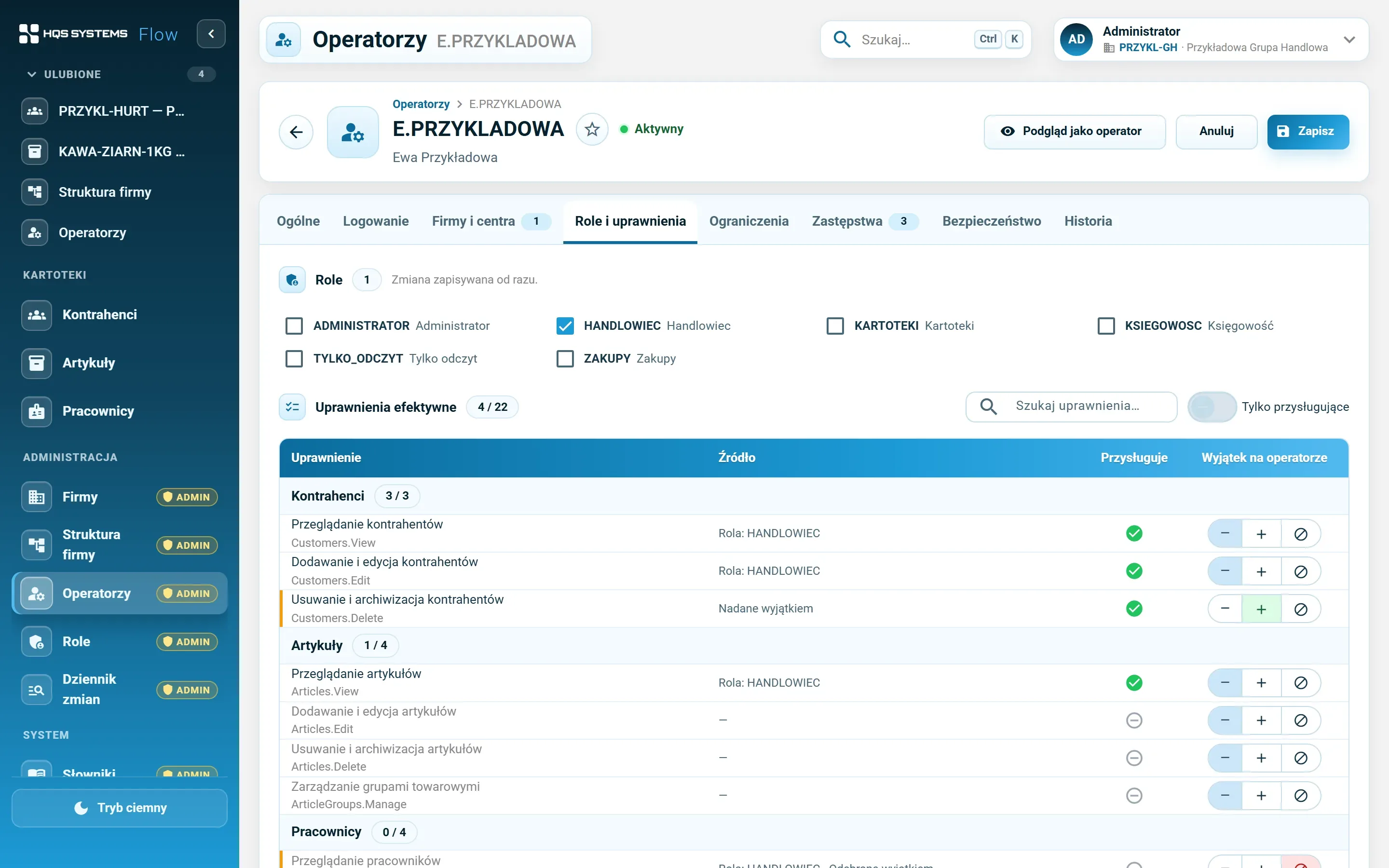
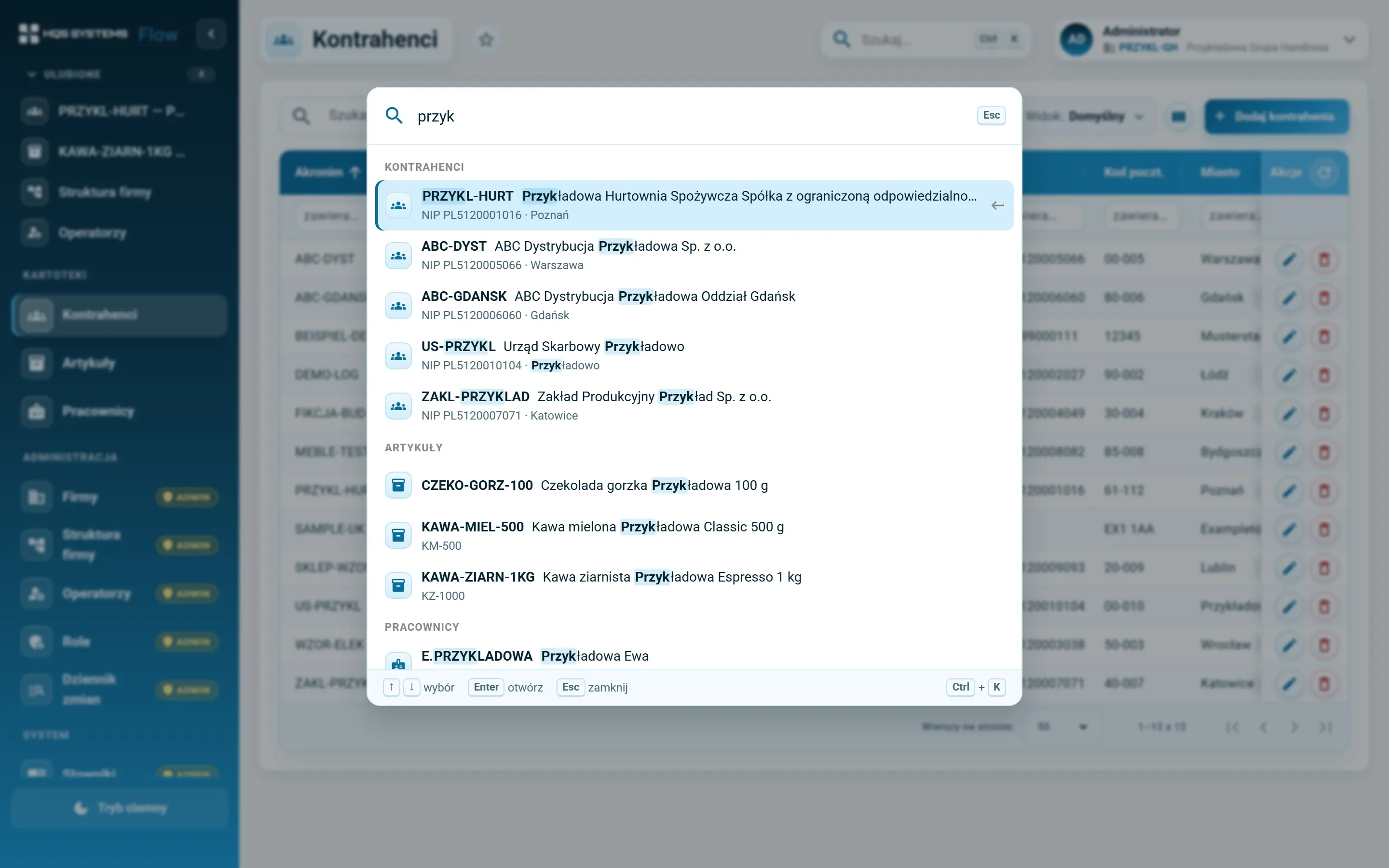
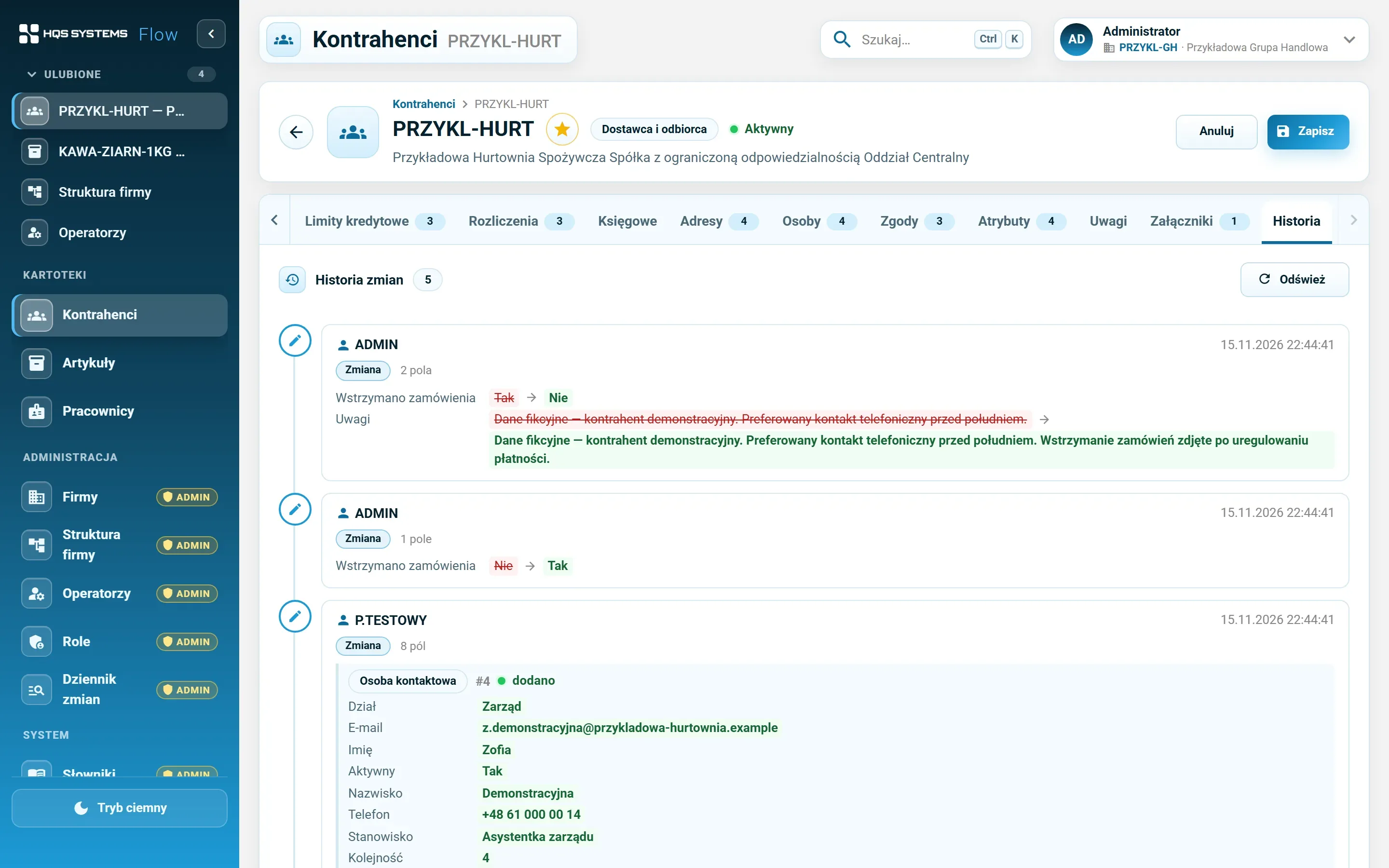
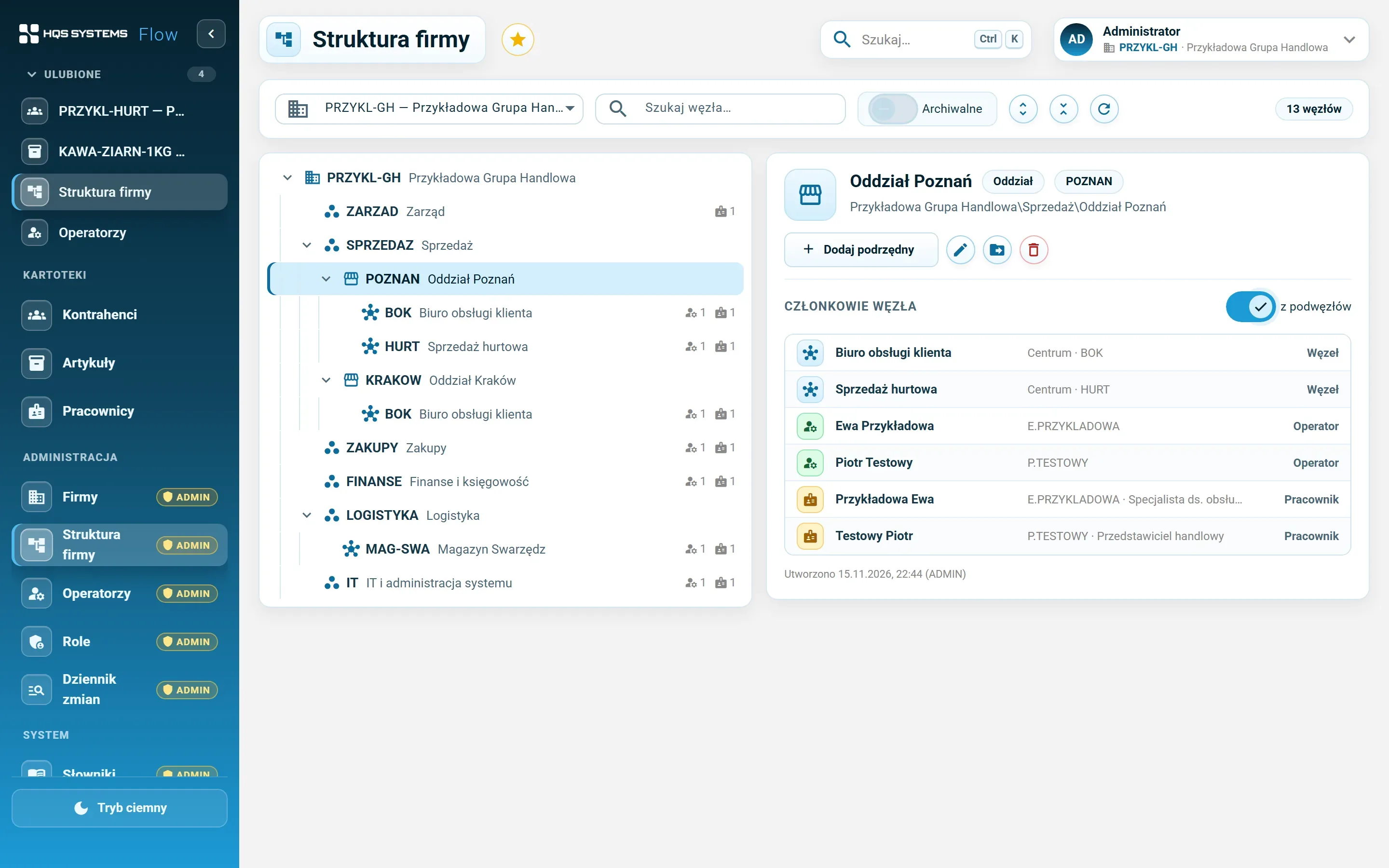
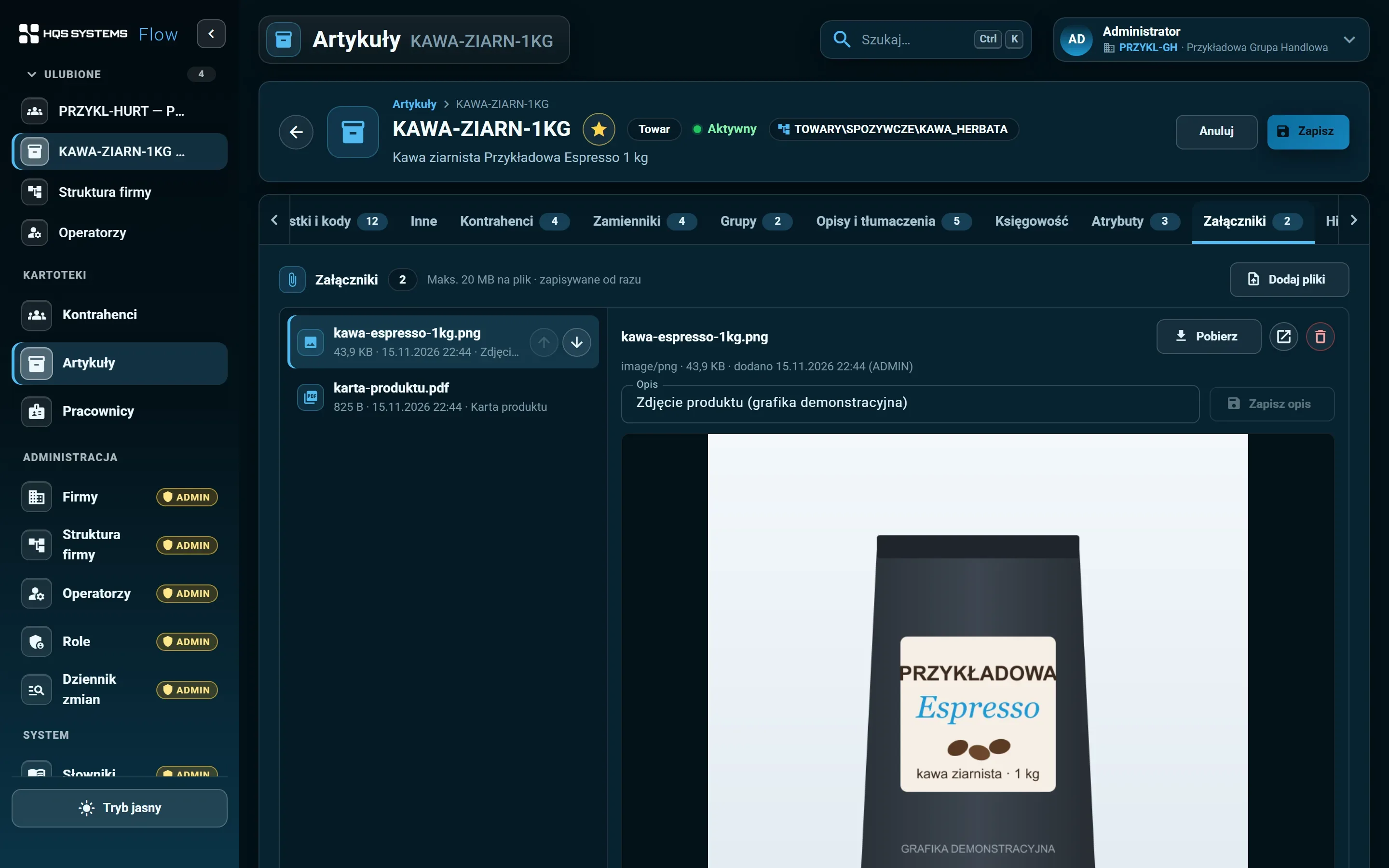
Click a screenshot to see it at full resolution. All data in the screenshots is fictional.
HQS Systems is a Comarch partner. HQSFlow grew out of our experience implementing Comarch ERP XL — what works well in practice, and what users would like to be different.
Customer and item records have the tabs and fields anyone who has worked in Comarch ERP XL will know. Switching doesn't start with relearning everything.
Nothing to install on workstations. Clear tabs, light and dark themes, a layout that adapts to smaller screens.
The system checks data as it is entered — check digits, date ranges, duplicates, overlapping periods. Less time spent chasing the source of errors in reports.
Several companies in one database, shared customer and item records, a separate structure and access in each company. That was the plan from the start, not something bolted on later.
We are developing HQSFlow in stages. In the demo we will show what works today and tell you plainly what is on the roadmap.
Tell us how many companies, customers and items you have and what you use today. We will show HQSFlow on examples close to yours and tell you honestly what it already handles — and what it doesn't yet.
We answer every request personally, usually within one working day.