
An application in the browser
The interface is built with Angular 22. Users need only a browser — updating the system doesn't mean visiting every workstation.
HQSFlow is a web application — a server on .NET and ASP.NET Core, an Angular interface, data in Microsoft SQL Server. Nothing to install on workstations, and the data sits in a database your team can reach with a report or an integration.
The interface is built with Angular 22. Users need only a browser — updating the system doesn't mean visiting every workstation.
ASP.NET Core with domain, application and infrastructure layers. A consistent API with clear error messages and server-side event logging.
All objects in a dedicated HQS schema, with readable English table and column names. Lists in the application read from SQL views — the same views you can use in reports and integrations.
The database structure changes only through versioned migrations. Updates are repeatable on test and production environments.
Server-side business rules and interface components have automated tests — a change in one place doesn't quietly break another.
Companies, their organisational structure and operator access are part of the data model — a group of companies has one database instead of several, with records shared by all of them.
Operator accounts on ASP.NET Core Identity, short-lived access tokens with refresh, optional sign-in with a Windows domain account (Kerberos/NTLM). Permissions are checked on the server for every request.
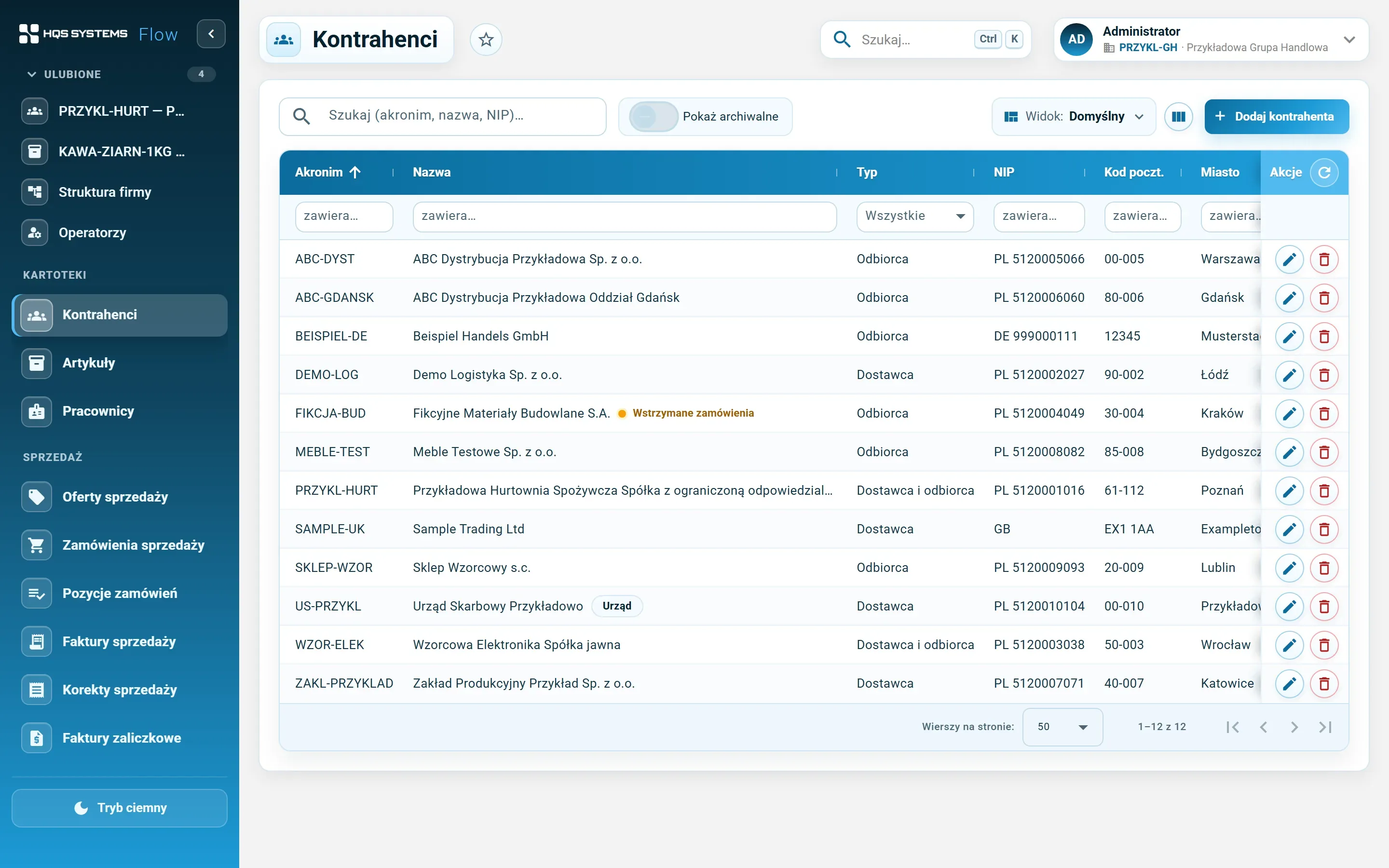
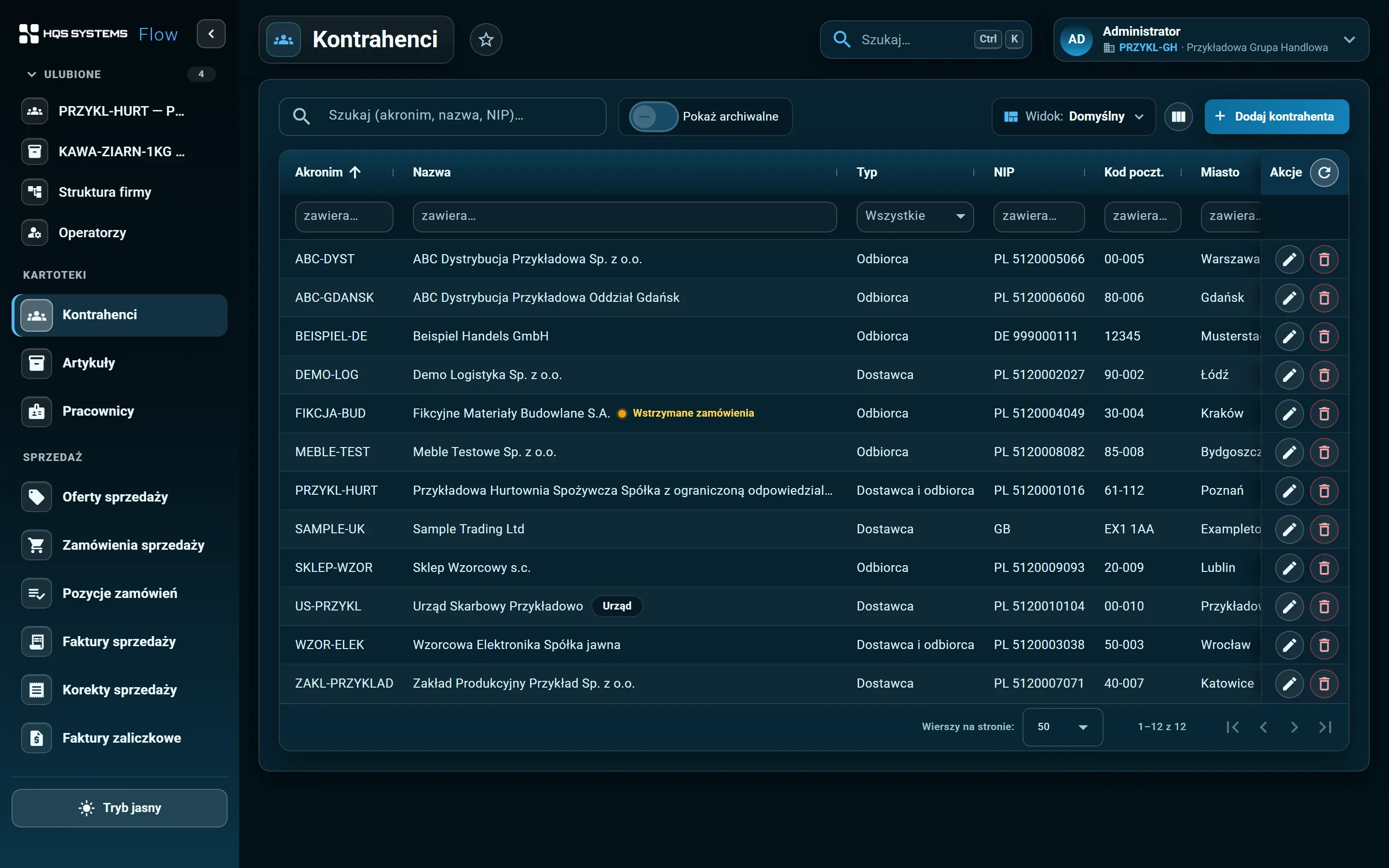
Click a screenshot to see it at full resolution. All data in the screenshots is fictional. The application interface is in Polish.
HQSFlow stores data in Microsoft SQL Server, in a separate HQS schema. Tables and columns have readable
English names (e.g. HQS.Customers, HQS.Articles, HQS.CustomerAddresses), and the application’s lists
use SQL views. For the IT team this means:
Database credentials are not stored in the repository — the application reads them from the environment configuration. Business settings (e.g. duplicate tax ID blocking, attachment limits) live in a settings table and are changed by the administrator in the application. The token signing key and the initial administrator password also come from the environment configuration, not from code.
In the demo we can show the database structure, the SQL views and how updates work. If you have specific requirements for servers, backups or integrations — mention them in the form.
Tell us how many companies, customers and items you have and what you use today. We will show HQSFlow on examples close to yours and tell you honestly what it already handles — and what it doesn't yet.
We answer every request personally, usually within one working day.